- Computing
- Software
- Windows
Like bugs and fears around malware attack vectors
When you purchase through links on our site, we may earn an affiliate commission. Here’s how it works.
 (Image credit: Future / Jasmine Mannan)
Share
Share by:
(Image credit: Future / Jasmine Mannan)
Share
Share by:
- Copy link
- X
- Threads
- Microsoft has updated a support document with more details on AI agents
- It now explains how these agents will need permission to access your files
- There won't be default access granted for AI agents, even if they're enabled in Windows 11, unless you specifically allow that
Microsoft has provided more details on how AI agents will work in Windows 11 when it comes to permissions for accessing the files on your PC, putting to rest at least some fears around this functionality – but loftier concerns remain.
In case you missed it (somehow), agents were recently revealed as the next big step forward with AI in Windows 11, and Microsoft is preparing the ground for testing them, introducing a slider to turn on 'experimental agentic features' in preview (test) builds.
Some people were worried that turning this on would mean these agents could access your files by default (albeit in a limited set of folders – namely personal documents, videos, downloads and so forth).
You may like-
 Microsoft tries to soothe fears as it prepares to test 'agent workspaces'
-
Microsoft's warning on 'security implications' of AI agents is causing panic
-
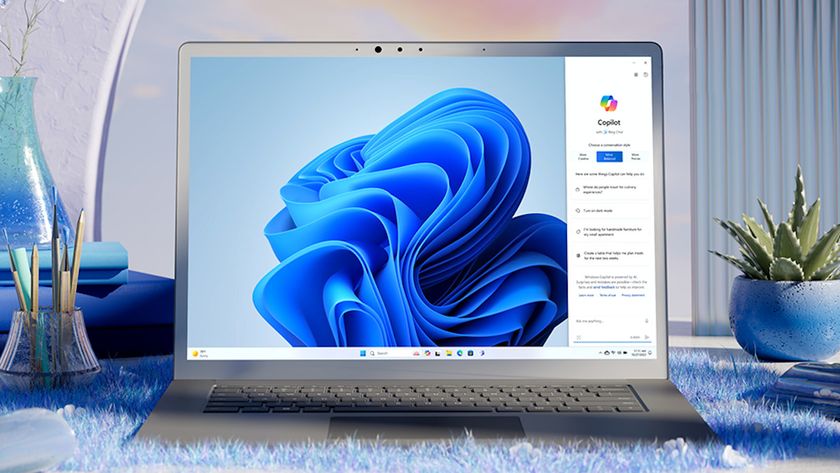 Microsoft is improving its best feature for Copilot+ PCs – and that gives me hope for the future of AI in Windows 11
Windows Latest reports that Microsoft has clarified (in an update to a support document) that this is not the case, and that even if you have enabled experimental agents, these AI entities will not have access to said personal folders by default. They must still ask every time they want to access your files (unless you decide to permanently allow them).
A permission dialog box will pop up when an AI agent requires file access for a task it has been assigned, and you'll have to explicitly allow it access for that one time, or alternatively to always have access (or you can deny it, of course). Those are the standard options in Windows when you get this kind of choice.
Windows Latest further explains that it'll also be possible to customize permissions for each agent – there are multiple agents, which to begin with will include Copilot, Researcher and Analyst – which is also good to hear.
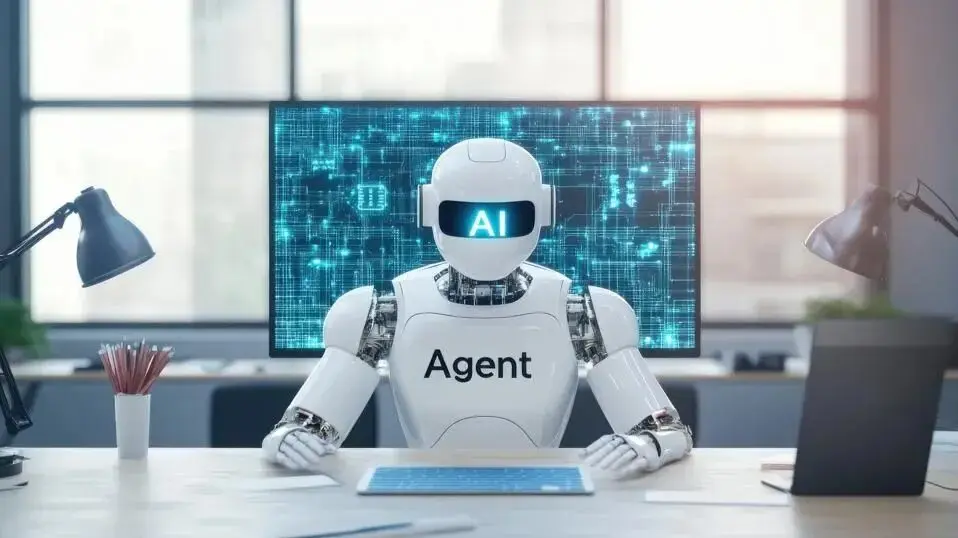
Analysis: a welcome clarification, but scary prospects remain
It's helpful to get a bit more insight and detail into how AI agents work in terms of file permissions, and given the gravity of letting an AI loose with your files, it's really essential not to grant access by default. (Unless you want this to happen, in which case you can elect to 'always allow' access, though this option can subsequently be changed in Settings, should you later change your mind about it.)
Get daily insight, inspiration and deals in your inboxContact me with news and offers from other Future brandsReceive email from us on behalf of our trusted partners or sponsorsBy submitting your information you agree to the Terms & Conditions and Privacy Policy and are aged 16 or over.While Microsoft is making it possible to give different permissions to different AI agents, so you can allow, say, Researcher to have access, while denying all other agents, you can't adjust permissions for the folders on a granular level. It's all or nothing in this respect: you grant an agent access to every personal folder (documents, videos, pictures, downloads, music, and the desktop), or none of them. If you want to just give Researcher access to the documents folder only, for example, this isn't possible.
Of course, AI agents are still in early testing with Windows 11, so Microsoft might change its mind and allow for tweaking of access to folders on an individual basis – we shall see.
At any rate, at least for now we have this useful clarification that should help soothe some fears, perhaps, around how Microsoft's agentic creations will operate in Windows 11.
You may like-
Microsoft is improving its best feature for Copilot+ PCs – and that gives me hope for the future of AI in Windows 11
-
 Windows 11 users rebel as top Microsoft exec says operating system is 'evolving into an agentic OS'
-
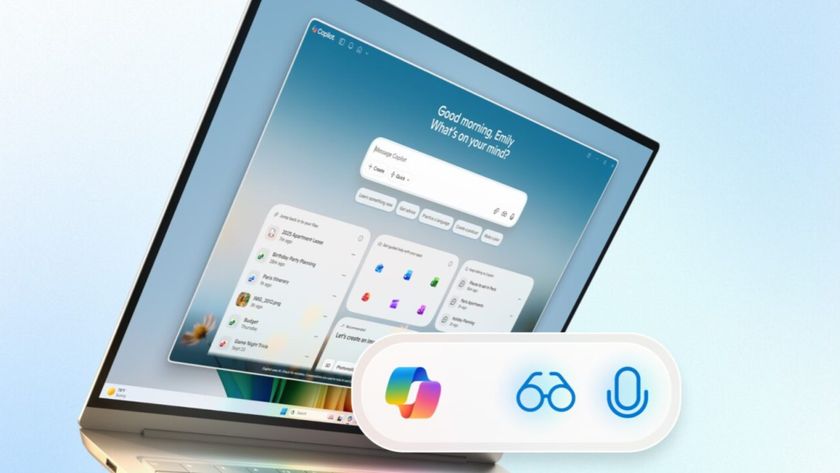 Microsoft reveals plan to 'make every Windows 11 PC an AI PC' with new voice input, Copilot Vision and supercharged AI powers
Although that said, there are far more substantial worries floating around regarding AI agents, as you may have noticed. That includes whether Microsoft's propensity to introduce bugs to Windows 11 might also apply to these AIs – and agents going awry in such a way is a scary prospect to say the least – and Microsoft's warning on how agents can open up fresh exploits in terms of malware hasn't been all that comforting, either.
Remember with all this, though, that you don't have to let AI agents onto your PC if you don't want to use them, in much the same way that you don't need to turn on Recall, another AI feature that's caused controversy and privacy concerns. If you're at all in doubt, just steer clear, frankly.
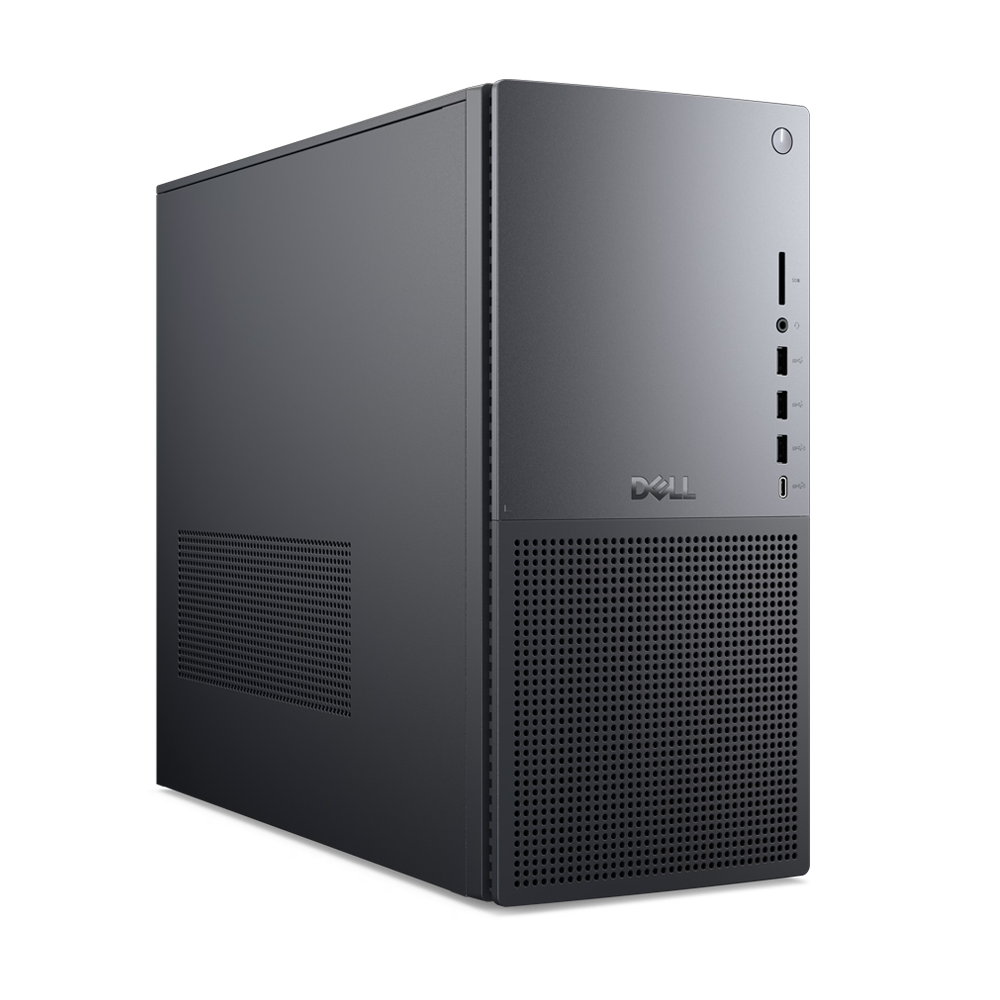 The best computers for all budgetsOur top picks, based on real-world testing and comparisons
➡️ Read our full guide to the best computers1. Best Windows: Dell Tower Plus2. Best Mac: Apple Mac mini M43. Best Mac AIO:Apple iMac 24-inch (M4)
Follow TechRadar on Google News and add us as a preferred source to get our expert news, reviews, and opinion in your feeds. Make sure to click the Follow button!
And of course you can also follow TechRadar on TikTok for news, reviews, unboxings in video form, and get regular updates from us on WhatsApp too.
TOPICS Windows 11 AI Darren AllanDarren is a freelancer writing news and features for TechRadar (and occasionally T3) across a broad range of computing topics including CPUs, GPUs, various other hardware, VPNs, antivirus and more. He has written about tech for the best part of three decades, and writes books in his spare time (his debut novel - 'I Know What You Did Last Supper' - was published by Hachette UK in 2013).
Show More CommentsYou must confirm your public display name before commenting
Please logout and then login again, you will then be prompted to enter your display name.
Logout Read more Microsoft is improving its best feature for Copilot+ PCs – and that gives me hope for the future of AI in Windows 11
 Windows 11 users rebel as top Microsoft exec says operating system is 'evolving into an agentic OS'
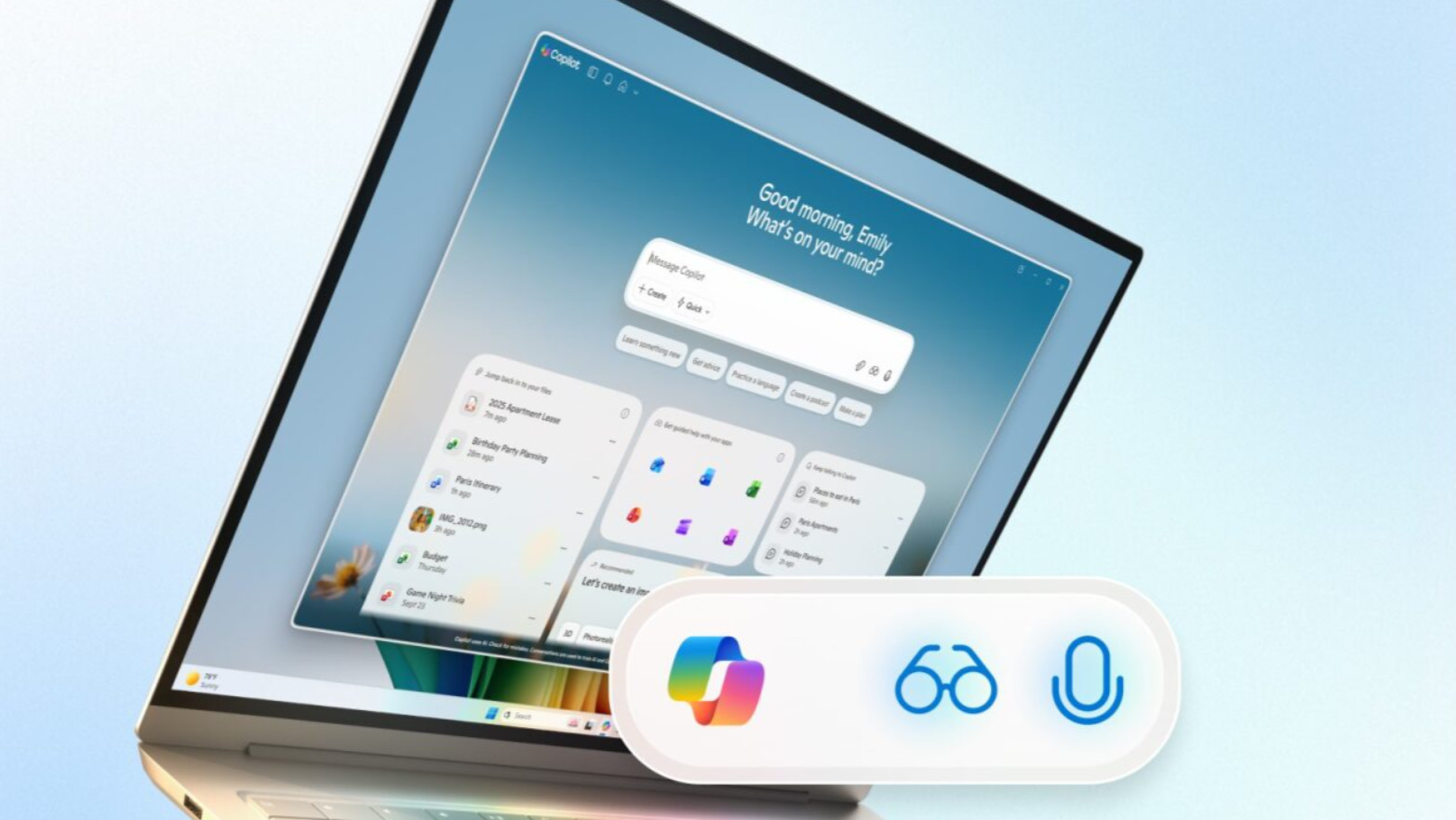 Microsoft reveals plan to 'make every Windows 11 PC an AI PC' with new voice input, Copilot Vision and supercharged AI powers
 Top Windows 11 exec tries to put out flames around agentic AI controversy
 “Everybody's under pressure to do more with less” - Why Okta says you need an AI agent governance strategy, and sooner rather than later
 Microsoft exec says cynics about AI in Windows 11 are 'mind-blowing to me'
Latest in Windows
Microsoft exec says cynics about AI in Windows 11 are 'mind-blowing to me'
Latest in Windows
 Microsoft is fixing a huge problem with a nifty Windows 11 security feature
 Microsoft Store now offers free handpicked themes to spruce up Windows 11
 New Windows 10 update reportedly breaks StartIsBack and causes other issues
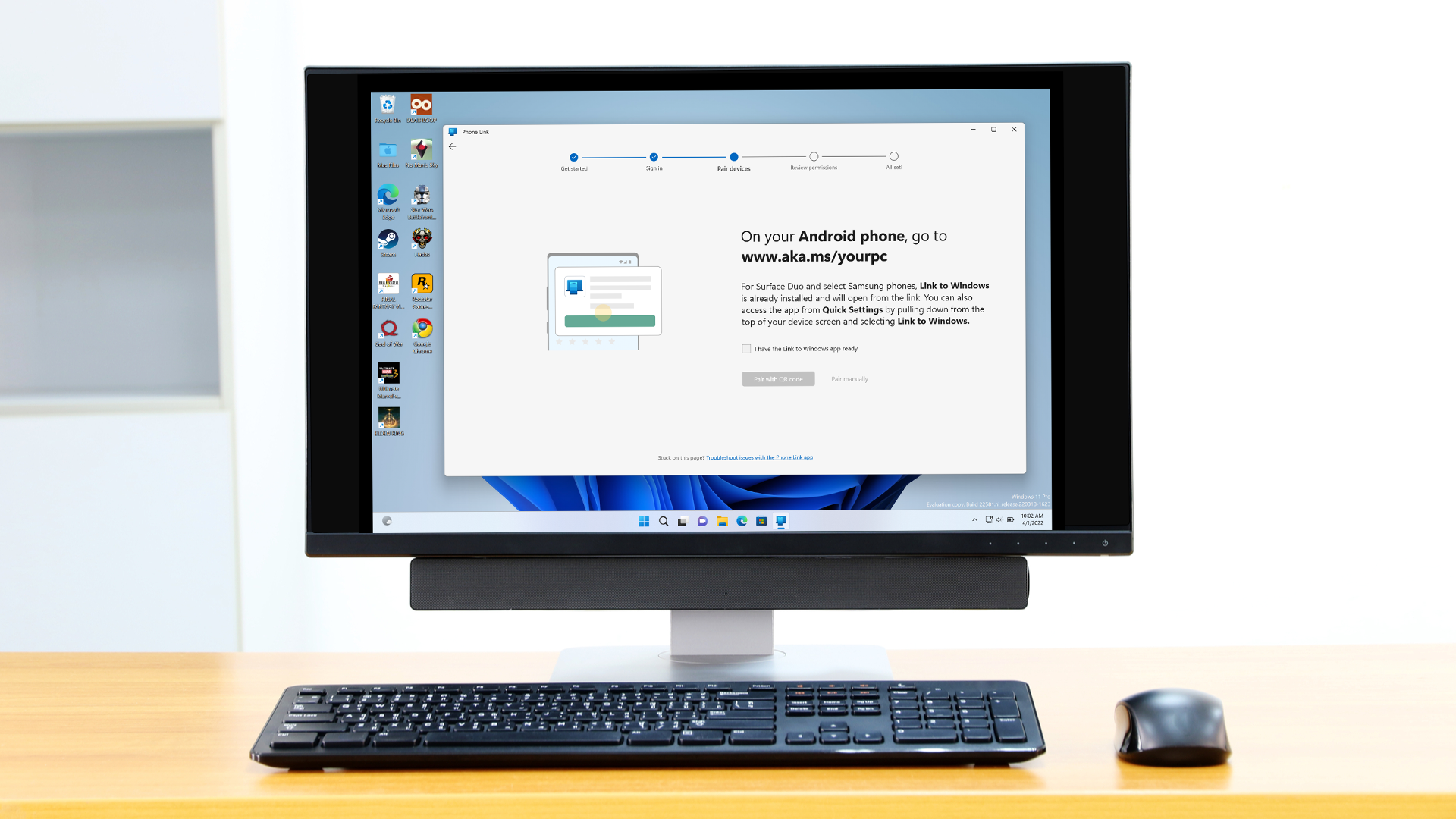 Microsoft has just made Phone Link even better with Android apps
 Microsoft finally realizes the threat SteamOS poses — but its promises to fix Windows 11 for PC gaming are too little, too late
 Windows 11 will soon allow for fully ditching AI actions from File Explorer
Latest in News
Windows 11 will soon allow for fully ditching AI actions from File Explorer
Latest in News
 YouTube just won THE Oscars, and the iconic show is set to leave ABC in 2029
 Unitree's new app store reminds us that you can make a robot do anything — if you have the code
 Nvidia could drastically reduce supply of its RTX 5000 gaming GPUs in 2026
 Urban VPN Proxy is the latest free VPN spying on users – here's how to stay safe
 Official Proton VPN app lands on even more Linux devices
 My dream Nikon lens has finally landed – an affordable 35mm f/1.2 prime
LATEST ARTICLES
My dream Nikon lens has finally landed – an affordable 35mm f/1.2 prime
LATEST ARTICLES- 1James Cameron fires back at 3D critics as new Avatar lawsuit surfaces
- 2Nvidia could drastically reduce supply of its RTX 5000 gaming GPUs in 2026
- 3Ford is switching some battery focus from cars to data centers - with plans for huge 20GWh capacity
- 4Dell reportedly preparing massive price hikes for commercial clients - and warns "Ordering today for future delivery DOES NOT lock in current pricing"
- 5YouTube just won THE Oscars, and the iconic show is set to leave ABC in 2029
