- VPN
- VPN Services
Privacy on Meta’s headset just got a major upgrade — here’s how to get it
When you purchase through links on our site, we may earn an affiliate commission. Here’s how it works.
 (Image credit: AdGuard)
- Copy link
- X
- Threads
Sign up for breaking news, reviews, opinion, top tech deals, and more.
Contact me with news and offers from other Future brands Receive email from us on behalf of our trusted partners or sponsors By submitting your information you agree to the Terms & Conditions and Privacy Policy and are aged 16 or over.You are now subscribed
Your newsletter sign-up was successful
An account already exists for this email address, please log in. Subscribe to our newsletter- AdGuard releases two browser extensions for Meta Quest headsets
- These are AdGuard's ad-blocking and VPN browser extensions
- Both extensions work on Quest 2, Quest Pro, Quest 3, and Quest 3S
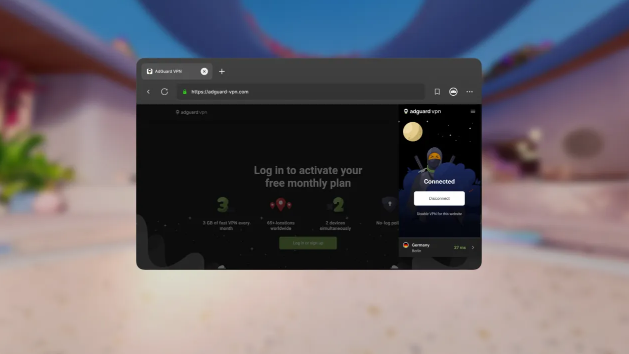
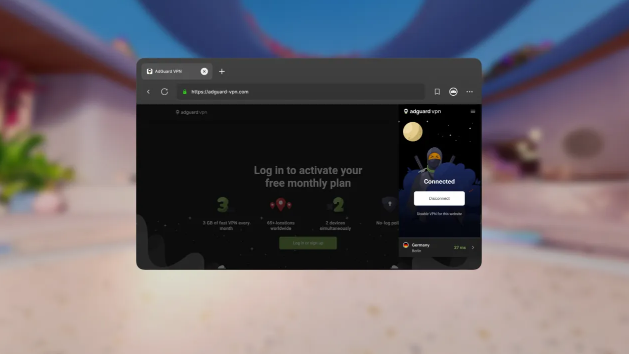
Browsing the web in virtual reality has often felt like the Wild West of privacy, but that is changing. AdGuard has officially launched two new privacy-focused extensions for the Meta Quest Browser: the AdGuard Ad Blocker and the AdGuard VPN.
This release marks a significant step for user control in the metaverse. While we often think of VR headsets as gaming consoles, they are increasingly used for media consumption and web browsing, activities that are just as susceptible to tracking, pop-ups, and geo-restrictions as they are on a laptop.
If you are looking for the best VPN to secure your Meta Quest headset, this new integration offers a lightweight alternative to full Android app installations.
You may like-
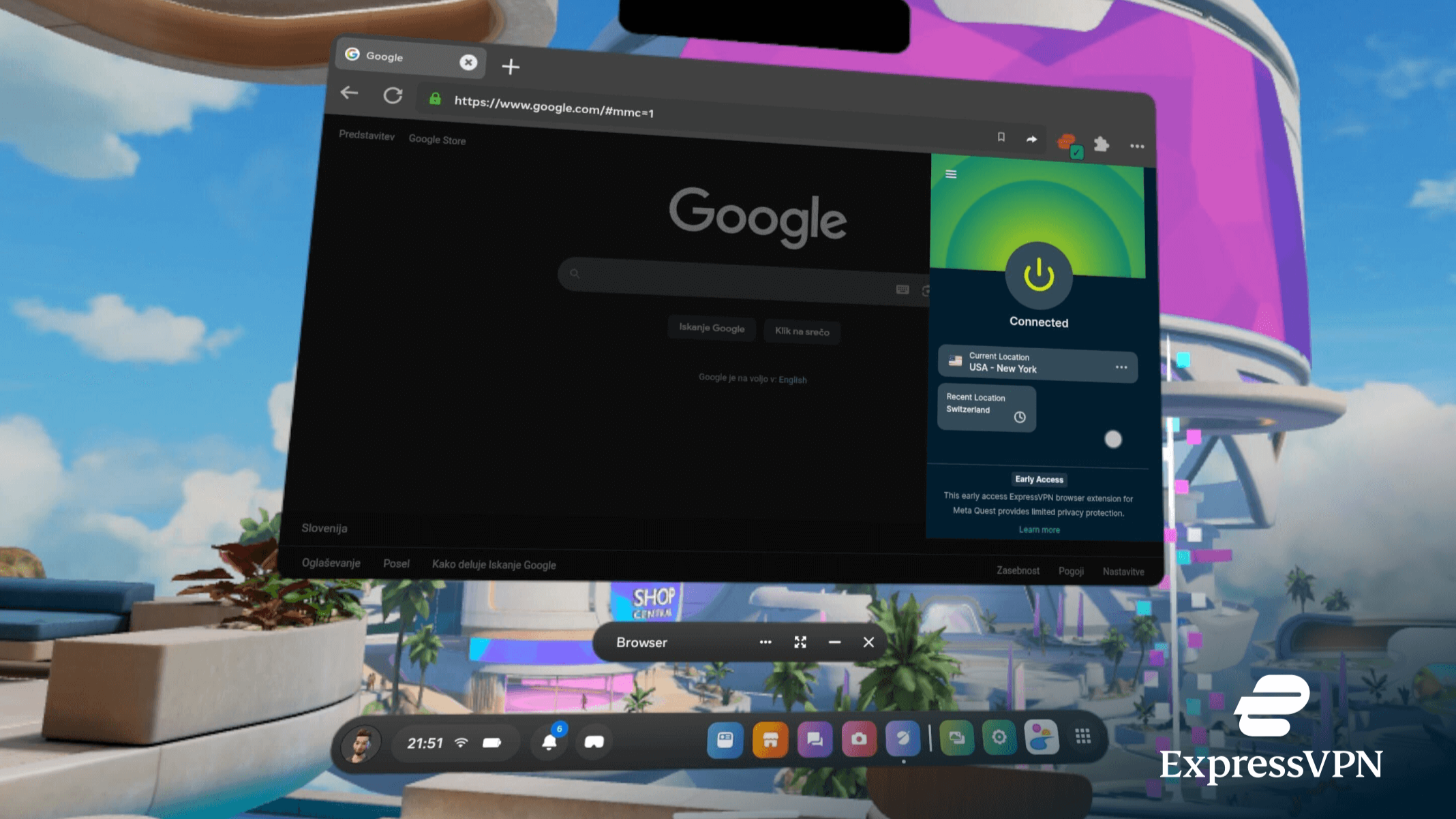 ExpressVPN unveils 'industry-first hybrid' VPN browser extension — and takes on the Metaverse with new Meta Quest app
-
 AdGuard's Windows VPN upgrade prioritizes usability for all
-
 AdGuard VPN browser extension lands on Firefox for Android — and gets a visual boost
A rare addition to the Quest ecosystem
The arrival of these tools is notable because the Meta Quest extension ecosystem is still in its infancy. Meta’s browser, which is built on Chromium, only began supporting user-installed extensions via a limited beta in early 2024. Currently, the catalog includes fewer than a dozen supported extensions.
AdGuard is claiming a "first" here, stating that its ad blocker is one of the first of its kind on the platform, while the VPN extension joins a very exclusive club of security tools integrated directly into the VR browser.
"This isn't just another platform for us, it's a leap forward in bringing distraction-free, secure browsing into immersive environments," said Vladimir Ozersky, Lead Product Manager at AdGuard.
🎮 AdGuard launches on Meta Quest: Your trusted VPN and ad blocker now in VRWe’re thrilled to announce that AdGuard is now available on Meta Quest as one of the first ad-blocking and VPN extensions for the Meta Quest browser! This isn't just another platform for us — it's a… pic.twitter.com/UXETCh4kMyMarch 4, 2026
The AdGuard Ad Blocker functions similarly to its desktop counterpart. It is designed to scrub ads, trackers, and pop-ups from websites, which can be particularly intrusive when they are floating inches from your eyeballs in a VR environment. It also provides a layer of protection against malicious phishing websites.
The AdGuard VPN extension focuses on anonymity and access. By encrypting browser traffic and masking your IP address, it allows users to bypass geo-blocks, handy if you are trying to stream content from back home while traveling with your headset.
"AdGuard VPN goes beyond privacy protection; it enables true digital freedom," said Denis Vyazovoy, Head of Product at AdGuard VPN. "Now, users can securely and seamlessly access the open internet in VR, maintaining full control wherever they are."
How to install AdGuard on Meta Quest
Because these are browser extensions rather than full operating system apps, the installation process is managed entirely within the Meta Quest Browser.
What to read next-
 Meta just killed my Meta Quest 4 hype, as it culls several VR game studios
-
 Best ad blocker of 2026
-
 I can’t decide if I should love or fear this Meta Quest 3 update
- Open the Browser app on your headset.
- Click the Menu icon (three dots) in the top-right corner.
- Select Extensions.
- Find AdGuard Ad Blocker or AdGuard VPN in the list.
- Click Install.
Both extensions are compatible with all headsets running the Meta Horizon OS, including the Quest 2, Quest Pro, Quest 3, and the new Quest 3S.
While other providers like ExpressVPN have launched dedicated apps for the Quest that protect the entire device's traffic, AdGuard’s solution is specific to the browser. This makes it a lightweight option for users who primarily want to clean up their web surfing experience without routing their gaming traffic through a VPN tunnel.
Users can check out the full release details on the dedicated AdGuard Ad Blocker and the AdGuard VPN pages.
Today's best VPN deals NordVPN 2 Year US$3.39/mthView+3 months free
 Surfshark 24 Months US$1.99/mthView
 Proton VPN US$2.99/mthView+4 MONTHS FREE
 ExpressVPN 24 month US$2.44/mthViewWe check over 250 million products every day for the best prices
Follow TechRadar on Google News and add us as a preferred source to get our expert news, reviews, and opinion in your feeds. Make sure to click the Follow button!
Get daily insight, inspiration and deals in your inboxContact me with news and offers from other Future brandsReceive email from us on behalf of our trusted partners or sponsorsBy submitting your information you agree to the Terms & Conditions and Privacy Policy and are aged 16 or over. Rene MillmanContributing Writer
Rene Millman is a seasoned technology journalist whose work has appeared in The Guardian, the Financial Times, Computer Weekly, and IT Pro. With over two decades of experience as a reporter and editor, he specializes in making complex topics like cybersecurity, VPNs, and enterprise software accessible and engaging.
View MoreYou must confirm your public display name before commenting
Please logout and then login again, you will then be prompted to enter your display name.
Logout Read more
AdGuard's Windows VPN upgrade prioritizes usability for all
AdGuard VPN browser extension lands on Firefox for Android — and gets a visual boost
Meta just killed my Meta Quest 4 hype, as it culls several VR game studios
I can’t decide if I should love or fear this Meta Quest 3 update
AdGuard goes open-source with its custom VPN protocol that can mimic web traffic
 Fake Proton VPN extensions slip into Chrome Web Store — here’s how to stay safe
Latest in VPN Services
Fake Proton VPN extensions slip into Chrome Web Store — here’s how to stay safe
Latest in VPN Services
 'A liability trap' — NordVPN slams Utah age verification law targeting VPN users
 If you're buying a MacBook Neo, this $2.49 monthly add-on is a smart way to stay secure
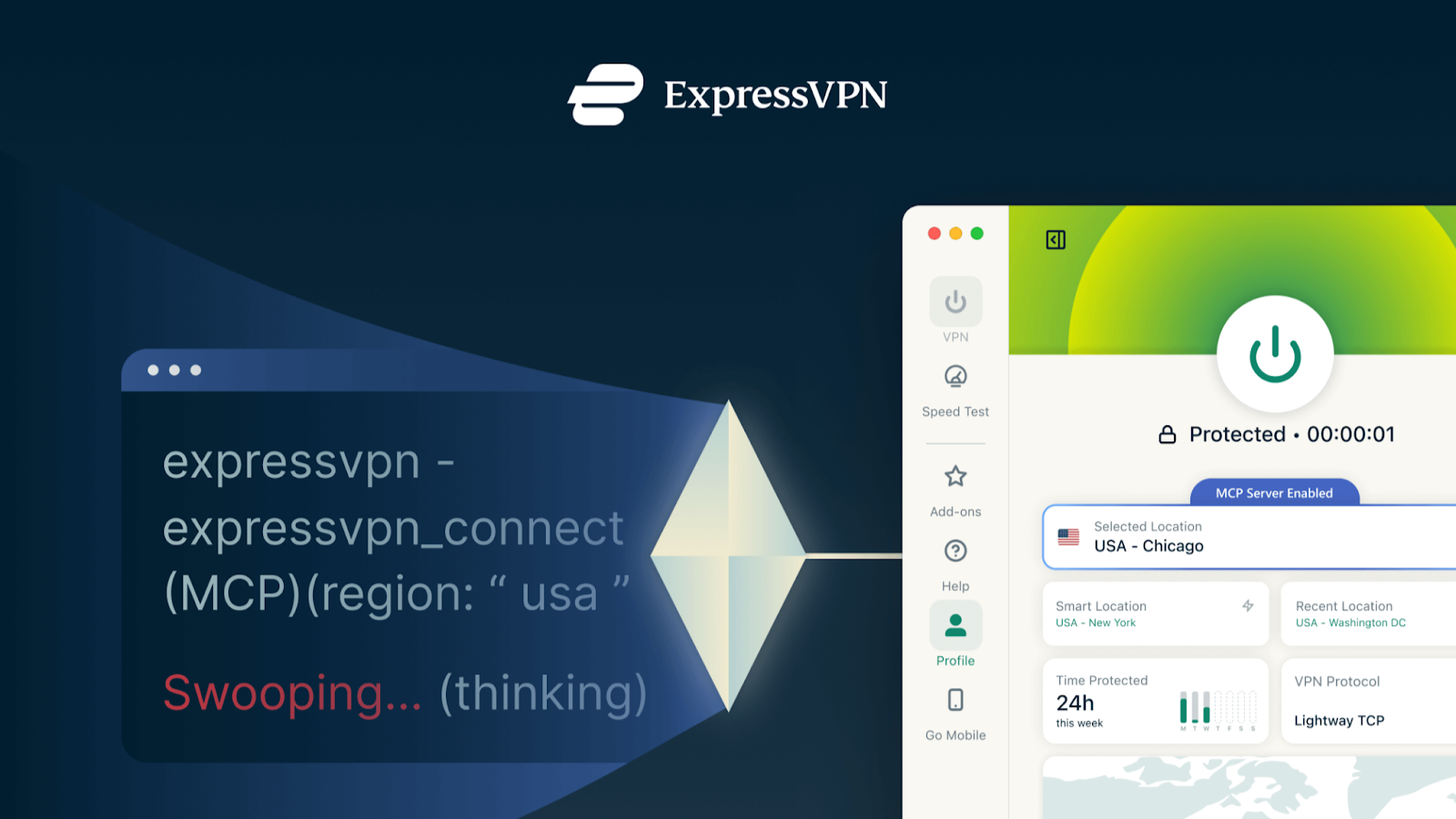 ExpressVPN just gave AI agents the power to control your connection
 NordVPN’s Android feature now warns Europeans about scam calls before they answer
 Security researchers found 'critical' flaw in IPVanish Mac VPN app — here's all you need to know
 After a week streaming live sports with a VPN, here are the 3 things I found that'll drive you crazy
Latest in News
AdGuard enters the metaverse: VPN and ad-blocker extensions launch on Meta Quest
After a week streaming live sports with a VPN, here are the 3 things I found that'll drive you crazy
Latest in News
AdGuard enters the metaverse: VPN and ad-blocker extensions launch on Meta Quest
 The rare Nintendo PlayStation hardware prototype that was never released has been acquired by The National Videogame Museum
 Control Resonant gameplay designer says 'this not a soulslike' but an 'action-driven' sequel that leans heavily on melee and supernatural abilities — 'The player is very much in charge'
 ‘Let us cook’ — Crimson Desert asks fans to wait longer for PS5 footage
 The Division 2: Warlords of New York expansion will be available for all players during the series' Anniversary Season alongside a new, limited-time Realism Mode that is 'a reflection of what has always sat at the heart of The Division'
 Dutch MPs call for free government-backed VPN, ad-blocker, and password manager for all citizens
LATEST ARTICLES
Dutch MPs call for free government-backed VPN, ad-blocker, and password manager for all citizens
LATEST ARTICLES- 1AdGuard enters the metaverse: VPN and ad-blocker extensions launch on Meta Quest
- 2‘The American people should not be footing the bill for the benefit of private companies': Tech giants sign White House pledge to not pass on data center electricity costs to consumers - here's everything you need to know
- 3'A liability trap' — NordVPN slams Utah age verification law targeting VPN users
- 4The rare Nintendo PlayStation hardware prototype that was never released has been acquired by The National Videogame Museum
- 5Adobe Lightroom Classic (2026) review: Perfect photo organization with time-saving AI at it's best - but it can be hit and miss